The Parts Donor Shelf: A UK Field Guide to Buying and Swapping Spares-or-Repair Tech

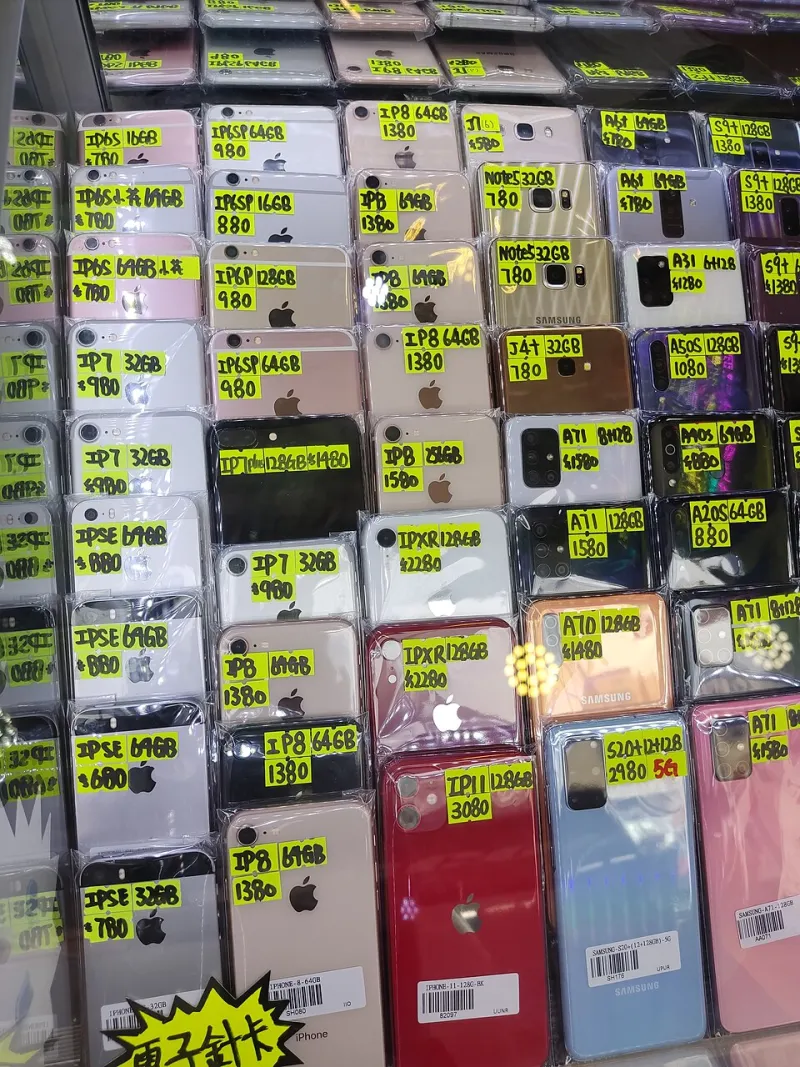
Photo: broken smartphone laptop parts repair workbench UK, via wallpapers.com
There is a particular kind of UK cupboard drawer that deserves its own census. It holds a phone with a smashed screen, a laptop that stopped charging sometime in 2026, a kettle that trips the fuse and a smart plug nobody trusts. None of it works. All of it feels too guilty to bin. And most of it is still worth something — not as a working gadget, but as a donor.
The spares-or-repair market is the least glamorous corner of circular tech. It is also one of the most useful. A cracked handset can keep another one alive. A dead laptop can give up its RAM, its SSD and its hinges. A faulty small appliance might be worth very little on its own, but its cable, lid or tray could be the difference between a repair and a replacement. The problem is that this market is full of vague listings, hopeful pricing and hidden hazards. Done badly, it is a drawer-clearing exercise that passes risk to someone else. Done well, it keeps useful materials in circulation and keeps more e-waste out of the bin.
Broken is a category, not a verdict
The first mindset shift is simple: stop asking whether the gadget works and start asking what it is worth to the next person. A repairer does not buy a dead phone as a phone. They buy it as a screen assembly, a camera module, a logic board, a housing or a set of buttons. A refurbisher might want a laptop for its chassis and keyboard. A hobbyist might want a faulty games console for a project. A local repair café might take a small appliance for parts if the model is common enough.
That changes how you price it. The anchor is not the original retail price, and it is not the price of a working second-hand unit. It is the value of the useful parts inside, minus the effort and risk of extracting them. For a common handset with a good screen but a dead board, the spares value might be 10–30% of the working price. For a less common model with a sought-after part, it can be higher. For a generic kettle with a cracked lid, it might be close to zero — and that is worth admitting before you list it.
Three questions before you type a listing
Before anything goes on eBay, Facebook Marketplace or a local swap group, answer three questions honestly.
First, what actually happens when you plug it in or press the button? 'Doesn't turn on' is not a diagnosis. 'No signs of life with a known-good charger' is. 'Powers on, screen stays black, fan spins' is better still.
Second, what is the fault history? If it took a tumble, say so. If it got wet, say so. If it was opened by a previous owner, say so. Hidden fault history is the main reason spares-or-repair trades go sour. The buyer can forgive a dead gadget. They cannot forgive discovering a swollen battery or a missing screw thread after the handover.
Third, is there a safety issue? This is the hard stop. A swollen lithium-ion battery is not a normal fault. It is a fire risk. If a phone, laptop, tablet, power bank or cordless tool has a bulging case, a lifted screen, a hot patch or a hissing sound, do not charge it, do not post it and do not tuck it back in the drawer. Isolate it away from anything flammable and take it to a local household waste recycling centre that accepts batteries. The same goes for chargers with exposed wires and appliances that trip the fuse board.
The data-bearing parts problem
A dead screen does not mean dead data. Phones, laptops, tablets and smart devices can hold accounts, photos, messages and saved passwords long after they stop being useful. If you can factory reset the device, do it. If you cannot, remove the storage where possible — an SSD from a laptop, a microSD card from a phone — and keep it or destroy it separately. If the storage is soldered in and the device will not boot, say so clearly in the listing. 'Data-bearing, not wiped' is an honest line. 'Sold as seen' is not a data strategy.
For smart appliances and gadgets with accounts, log out of the app and remove the device from your account before it leaves. If the screen is broken, use the manufacturer's web portal or support route. A buyer should not inherit your home network credentials along with a faulty air fryer.
Price the donor, not the dream
A useful UK pricing routine is to check three things: the sold price of the same model in working condition, the sold price of the same model listed as spares or repair, and the price of the individual part you think is valuable. Then discount for uncertainty. If you cannot test the part, the buyer is taking the risk, and the price should reflect that.
Be careful with bundles. A dead phone with a working charger and a cracked case is not automatically worth more than the parts inside. Unless the accessories are genuinely useful and tested, keep the price grounded. Collection-only is sensible for anything with a damaged battery or a heavy appliance. Royal Mail and courier rules on damaged lithium batteries are not a suggestion; they are a safety boundary.
Write a listing that survives the handover
A good spares-or-repair listing reads like a mini service record. Include the exact model number, the fault as you understand it, what you have tested, what still works, what is missing, the condition of the battery, the data status and clear photos of the damage. Mention whether it has been opened, whether it has been repaired before and whether it comes with any accessories. End with the phrase 'sold as spares or repair' only if it is true — and do not use it to hide a known fault.
If you are buying, ask the same questions in reverse. Ask for a photo of the battery area if it is accessible. Ask whether the device has been wet. Ask what happens when it is charged. A seller who cannot answer basic questions is not necessarily dishonest, but they are asking you to take on unknown risk. Price that in.
The quiet value of an honest broken market
The UK does not have a shortage of broken tech. It has a shortage of trustworthy routes for it. When spares-or-repair listings are honest, they do something quietly important: they give repairers a supply of parts, give learners a cheap way to practise, and give old gadgets a second role before recycling. That keeps pressure off new manufacturing and keeps more devices out of cupboards where they slowly become mystery objects.
None of this means every dead gadget deserves a listing. Some things are genuinely end-of-life, and a trip to the recycling centre is the right answer. But the next time you clear a shelf, do not sort gadgets into 'working' and 'rubbish'. Sort them into 'working', 'useful donor' and 'safely recycle'. The middle pile is bigger than most UK households think — and it is where the swap market does some of its most practical work.